Brand Logo
Brand Logo

Staying safe while using net banking and key sign of Phishing Scam

By Safe Investment July 21, 2025
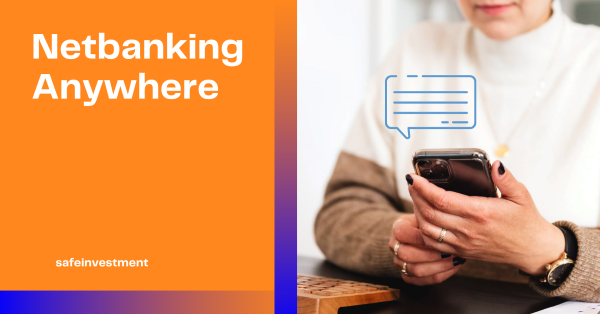
Staying safe while using net banking and key sign of Phishing Scam

Staying safe while using net banking is all about smart habits and a few tech-savvy precautions. Here's a clear, actionable guide to help you bank securely online and phishing scams are getting sneakier by the day. Here’s a structured guide to help you spot them before they reel you in

PERSONAL FINANCE


Strengthen Your Login Security

  1. Use strong, unique passwords with a mix of letters, numbers, and symbols.
  2. Change your password regularly and avoid reusing old ones.
  3. Enable two-factor authentication (2FA) if your bank offers it.

 Be Alert to Scams

  1. Avoid to share your login details or OTPs with anyone or bank.
  2. Avoid clicking on links in emails or SMS; always type your bank’s URL directly into your browser.
  3. Look for “https://” and a padlock icon in the address bar before logging in.

 Secure Your Devices

  1. Install licensed antivirus software and keep it updated.
  2. Update your operating system and browser regularly to patch security vulnerabilities.
  3. Avoid using an internet cafe Wi-Fi for banking transactions.

 Monitor Your Account

  1. Check your account activity frequently for any unauthorized transactions.
  2. Enable SMS or email alerts for transactions and login attempts.

 Practice Good Digital Hygiene

  1. Log out after every session and clean history from the computers.
  2. Clear your browser cache and history after banking.
  3. Don’t save passwords in browsers or apps.

Phishing Scam

Phishing scams are getting sneakier by the day. Here’s a structured guide to help you spot them before they reel you in:

Key Signs of a Phishing Scam

  1. Generic greetings like “Dear Customer” instead of your actual name.
  2. Urgent or threatening language — e.g., “Your account will be suspended unless…”
  3. Suspicious links or email addresses — hover over links to preview the real URL.
  4. Spelling or grammar mistakes — scammers often rush or use translation tools.
  5. Unexpected attachments — especially if you weren’t expecting a file.
  6. Requests for sensitive info — legit companies never ask for passwords via email.

Psychological Tricks They Use

  1. Fear & urgency: “Your account’s been compromised!”
  2. Greed: “You’ve won a free iPhone!”
  3. Authority impersonation: Pretending to be your bank, government, or even your boss.

 Advanced Tips for the Meticulous Mind (like yours!)

  1. Check the domain name: “amaz0n.com” is not “amazon.com”.
  2. Use email header analysis tools to verify sender authenticity.
  3. Enable multi-factor authentication (MFA) to block unauthorized access.
  4. Manually visit websites instead of clicking links in emails.

If you’d like, I can show you how to audit your inbox for phishing attempts or even simulate a phishing email so you can practice spotting red flags. Want to try that?
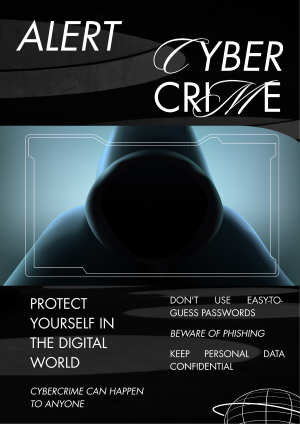


Image 1

Leave a Reply

Your email address will not be published. Required fields are marked *

Trending


 subscribe banner